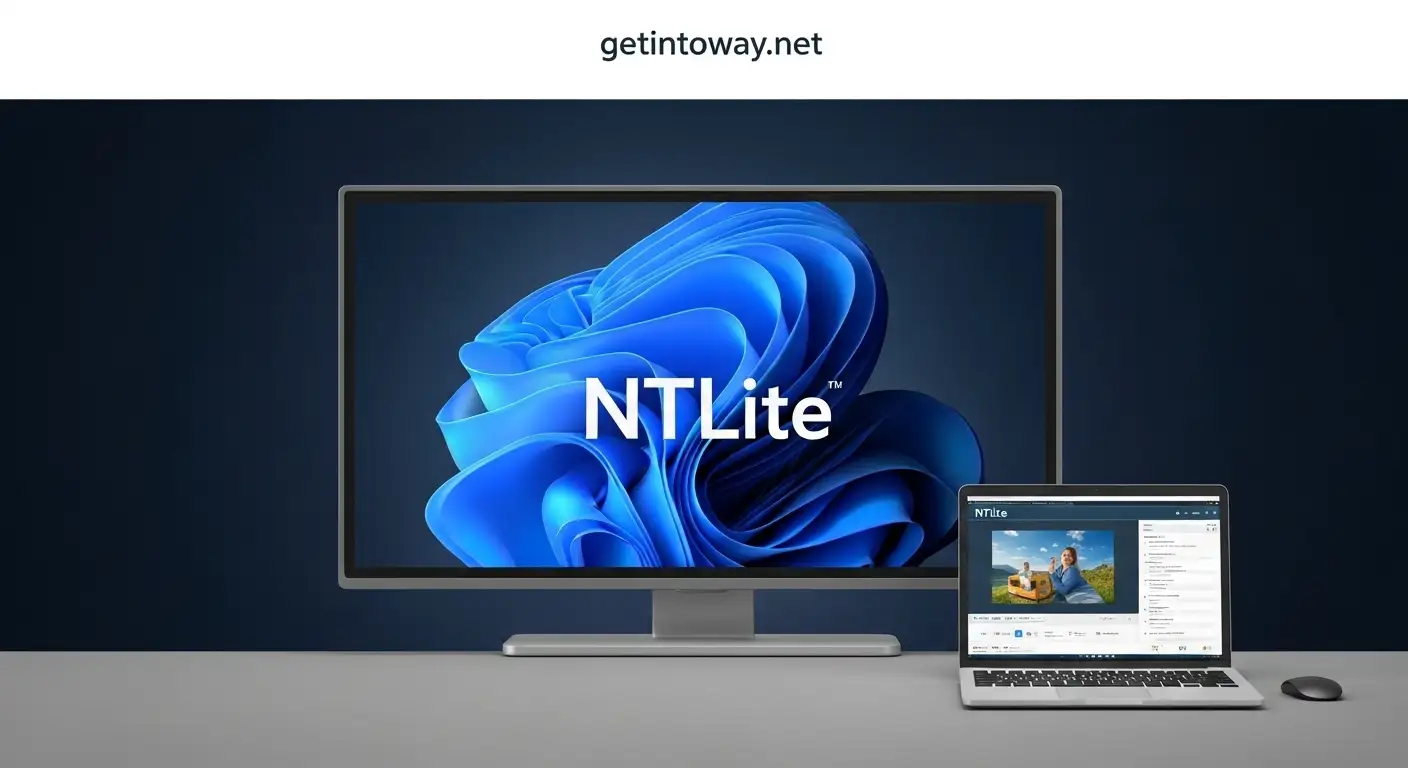
If you are an IT professional, system administrator, or advanced Windows user, you’ve probably faced the need to customize or optimize Windows before installing it. This is where NTLite comes in. It is a powerful and easy-to-use tool that allows you to create custom Windows installation images, integrate drivers and updates, and remove unwanted components.
What is NTLite?
NTLite is a Windows customization tool designed to modify, streamline, and optimize Windows installations before they are deployed. It enables you to create tailored Windows setups that include only the features and applications you need.
From personal use to large-scale enterprise deployments, it makes Windows installations faster, lighter, and more efficient. The software supports multiple versions, including Windows 7, Windows 8.1, Windows 10, and Windows 11.
Whether you’re removing bloatware, adding drivers, or fine-tuning performance, it gives you full control over the operating system before you even install it.
Unique Features of NTLite:
1. Remove Unnecessary Components.
With this software, you can easily uninstall unwanted Windows apps, features, and services to reduce clutter and improve system performance.
2. Driver Integration.
Easily add or remove device drivers to ensure full hardware compatibility during installation. This is especially useful for custom-built PCs or enterprise environments.
3. Updates and Hotfix Integration.
Integrate the latest Windows updates, patches, and hotfixes directly into the installation image. This saves time after installation, as your system will already be up to date.
4. System Tweaks.
Modify system settings such as privacy options, performance configurations, and user interface preferences before installation.
5. Multi-Edition Images.
It allows you to create a single installation image that includes multiple editions of Windows, such as Pro, Home, and Enterprise.
6. Performance Optimization.
By removing unnecessary services and fine-tuning registry settings, it ensures smoother and faster system performance.
7. Portable Version.
It also offers a portable version that doesn’t require installation. This is ideal for IT admins who work across multiple computers.
What’s New in NTLite Latest Version?
- Better Windows 11 support – Improved compatibility with the latest Windows builds.
- Enhanced driver integration – Faster and more reliable driver management, including third-party drivers.
- Improved WIM/ESD handling – Faster mounting, editing, and processing of Windows images.
- Performance improvements – Quicker processing speeds and better error handling.
- Updated RAW file handling – Improved support for modern hardware and updated OS builds.
System Requirements for NTLite:
Before you download and install NTLite, make sure your system meets the following requirements:
- Operating System: Windows 7 or later (32-bit and 64-bit)
- Processor: 1.0 GHz or faster
- RAM: Minimum 4 GB (more recommended for large images)
- Storage: At least 500 MB of free disk space
How to Download and Install NTLite Free for PC:
Follow these simple steps to download and install NTLite free for PC:
- Download the latest version of NTLite from Getintoway.net.
- If you have an older version installed, uninstall it using Advanced Uninstaller Pro.
- Turn off your antivirus software temporarily to avoid installation issues.
- After downloading, extract the RAR file using WinRAR.
- Open the setup file and install NTLite on your PC.
- Once installed, close the program from everywhere.
- Enjoy the latest version of NTLite with all its features unlocked.
Benefits of Using NTLite
- Saves time by pre-configuring Windows before installation.
- Ensures compatibility by integrating drivers and updates.
- Improves performance by removing unnecessary bloatware.
- Perfect for IT admins managing multiple systems.
- Offers a portable version for flexibility.
Why Choose NTLite Over Alternatives?
There are other Windows customization tools, but NTLite stands out due to its:
- User-friendly interface compared to complex alternatives.
- Frequent updates supporting the latest Windows builds.
- Wide range of customization features, from drivers to registry tweaks.
If you’re serious about customizing Windows installations, it is one of the best tools available.
Conclusion
In conclusion, it is a vital tool for anyone seeking to customize, optimize, and streamline Windows installations. Whether you’re an IT professional deploying systems at scale or a tech enthusiast fine-tuning your personal PC, this software provides everything you need to create a fast, efficient, and fully customized Windows environment.
By integrating updates, removing bloatware, and configuring system settings before installation, NTLite saves time and ensures better performance. However, due to its advanced nature, it’s best suited for users with some technical knowledge.
If you want a lightweight, powerful, and customizable Windows experience, then the NTLite download free for PC latest version is the right choice. It enables you to customize installations or deploy the operating system across numerous devices efficiently, providing excellent flexibility and control.
 DOWNLOAD PRE-ACTIVAT0ED SOFTWARE